 University of North Texas

SPOT Evaluations Results
The University of North Texas’s Student Perception of Teaching (SPOT) evaluation results are available course-by-course to the public through UNT’s Faculty Information System (FIS). Courses considered special problems, theses, or dissertations, and courses that had enrollment of only one or two students are exempt from administering SPOT evaluations; however, some of these course types administered the evaluation and their results are also included in the FIS. Results are expressed as an Overall Summative rating, Challenge and Engagement Index rating, and Response Rate.
The Overall Summative Rating represents the combined responses of students to four global items and is presented to provide an overall index of the class’s quality. Overall summative statements include the following using a Likert scale ranging from excellent to very poor expressed numerically as five to one, respectively:
- The course as a whole was
- The course content was
- The instructor’s contribution to the course was
- The instructor’s effectiveness in teaching the subject matter was
The Challenge and Engagement Index rating combines student responses to several SPOT items relating to how academically challenging students found the course to be and how engaged they were. Challenge and Engagement Index items include the following using a Likert scale ranging from much higher to much lower expressed numerically as seven to one, respectively:
- Do you expect your grade in this course to be
- The intellectual challenge presented was
- The amount of effort you put into this course was
- The amount of effort to succeed in this course was
- Your involvement in course (doing assignments, attending classes, etc.) was
Follow these instructions to find the results:
- Go to the Faculty Information System at https://facultyinfo.unt.edu.
- Search by “FACULTY NAME” or “COURSE”.
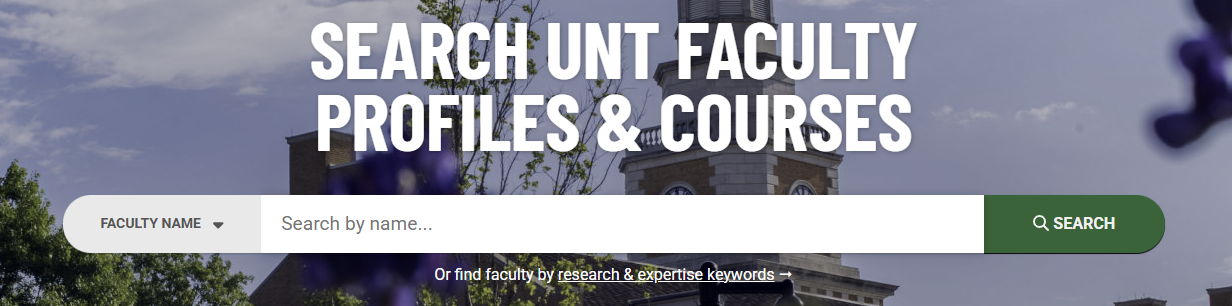
- From the search results, select “PAST COURSES” for the applicable faculty.

- In the faculty’s Previous Scheduled Teaching list, find the course and select the
“SPOT” button at the right side of the listing.

Department coordinators, deans, associate deans, chairs, and faculty please refer to your role's designated page on this website for more information on how to access reports through the evaluation platform.